
|
|
General HydroStatics
Ship Stability Software |
|
Command of the Week
(New or interesting aspects of GHS that you may not know about) |
|
RotateShip.wizgf (continued)
|
|
COW068
introduced RotateShip.wizgf, which at that time
was restricted to rotations about the longitudinal axis.
Now it does rotations about any axis.
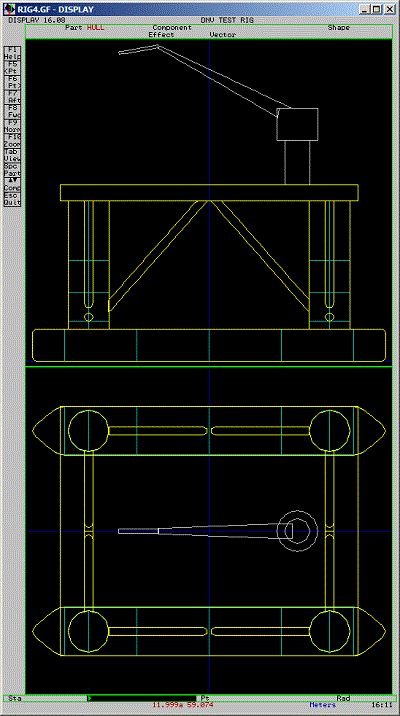
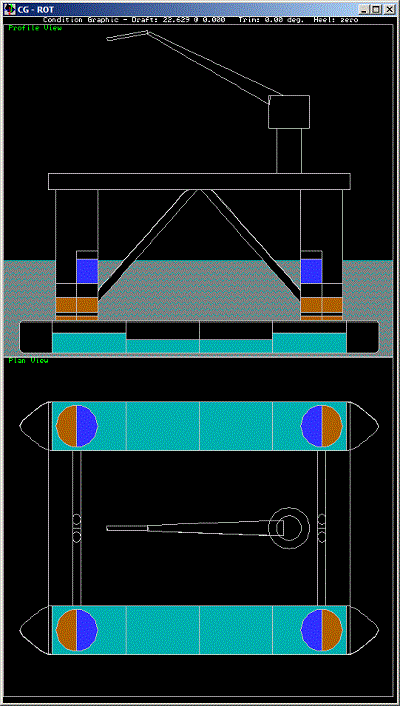
Here is a simple semi-submersible model, which will serve to demonstrate. |
|
|
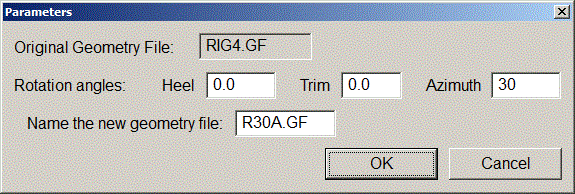
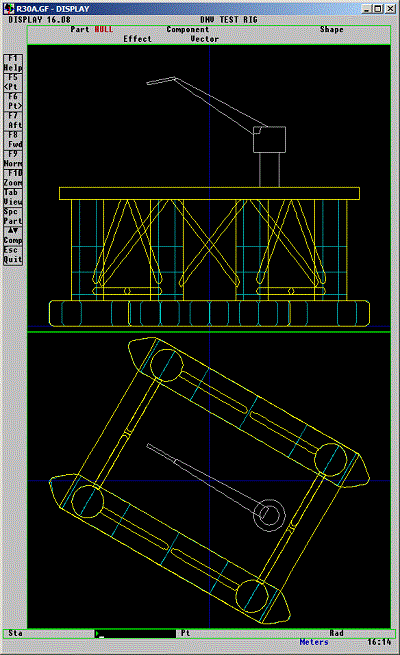
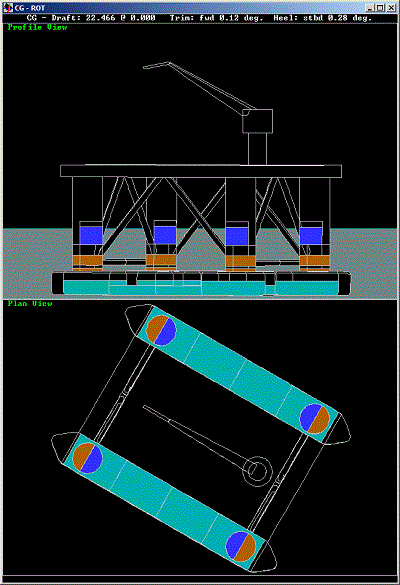
| Rotation about the vertical axis gives the vessel a new longitudinal-transverse coordinate system. Because 90 degrees seems too easy, we are showing that the wizard can rotate the geometry by any angle. This one, rotated 30 degrees, is interesting to look at but would be very awkward to deal with. |
|
|
|
|
The wizard preserves tank loads and transforms the
centers of other weights so that the ship's loading
stays the same.
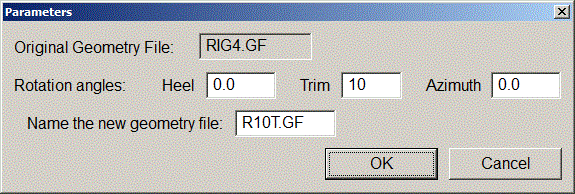
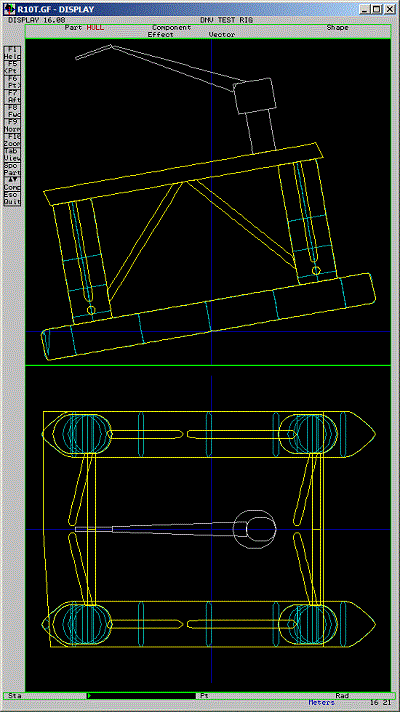
Now here is a rotation about the transverse axis—10 degrees for dramatic effect. |
|
|

|
|
In this case the vessel looks the same in the condition graphic,
but note that the trim is actually 10 degrees according to its rotated coordinate system.
Below is the outline of the run file we used to get these screen shots. |
`1. READ geometry file `2. Define light ship weight and center `3. Add additional fixed weights `4. Load tanks `5. Rotate geometry and display it: RUN ROTATESHIP.WIZGF /CALL DISPLAY SOLVE DISPLAY (*) STATUS `6. Save loads, including rotated centers of fixed weights: SAVE "Rotated.GF" |
|
Questions, comments, or requests?
Contact Creative Systems, Inc. USA phone: 360-385-6212 Fax: 360-385-6213 Office hours: 7:00 am - 4:00 pm Pacific Time, Monday - Friday Mailing address: PO Box 1910 Port Townsend, WA 98368 USA Click here for an index to this and previous COWs |