
|
|
General HydroStatics
Ship Stability Software |
|
Command of the Week
(New or interesting aspects of GHS that you may not know about) |
|
PRINT /SHADE (review)
|
|
Given a GHS report file that has been created in what we call "fancy color" mode
(REPORT filename /BOX:COLOR),
you have several options for the looks of the report when it is displayed on the screen
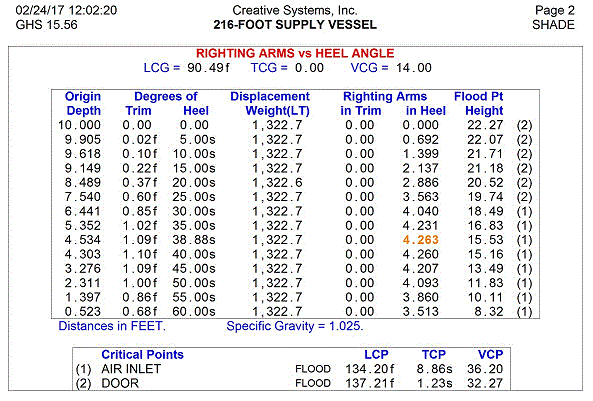
or printed. For example, if you want some color but not too much, the shaded areas can become white.
PRINT shady.pf /SHADE:0 /preview |
|
|
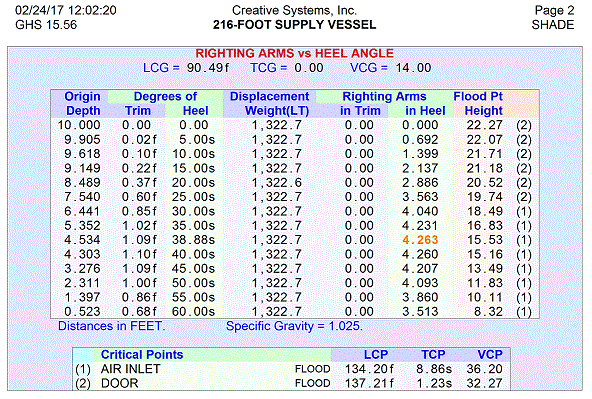
For comparison, here is the original without the /SHADE:0 parameter.
PRINT shady.pf /preview |
|
|
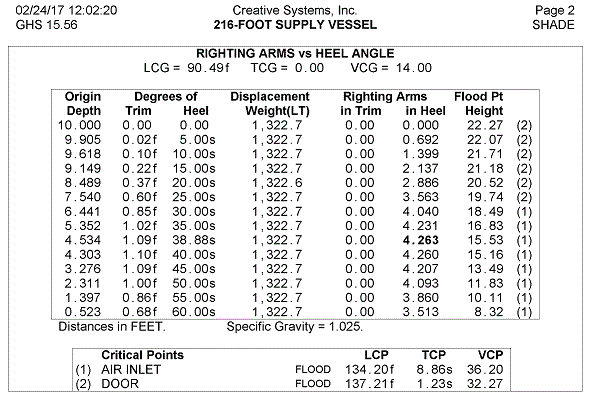
Usually, black-and-white is best, and definitely it's the most practical. The /BW parameter produces
the same look that you would have gotten if the report had been created with /BOX:BW instead of /BOX:COLOR.
PRINT shady.pf /BW /preview |
|
|
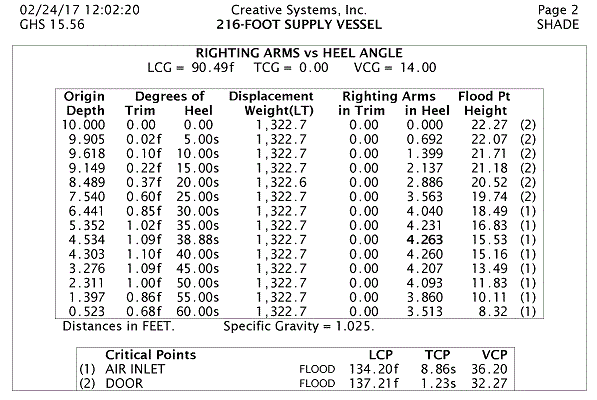
You have a choice of fonts too. The default "Arial" typeface is fine, but you can tweak it a bit and get a
slightly better look. For sans serif, "Lucida Sans" is slightly larger (if you happen to have that font on your computer).
PRINT shady.pf /BW /FONT:"Lucida Sans"/preview |
|
|
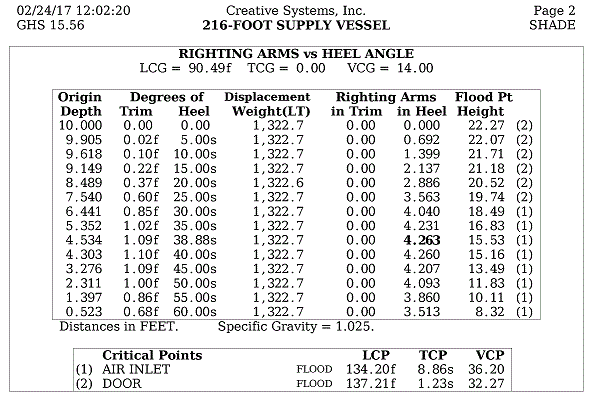
Among the fonts with serifs, "DejaVu Serif" shows very nicely. "Georgia" is nice too, but its numerals are a bit strange.
Both of these fonts are slightly larger than "Times."
The space allowances in GHS reports make the font size critical, which is why we do not offer a point-size parameter. The only control you have on size is the differences in fonts. Any reasonable font will work, but if the letters are too large, there will be crowding and overlapping. Here is the example with serifs. PRINT shady.pf /BW /FONT:"DejaVu Serif"/preview |
|
|
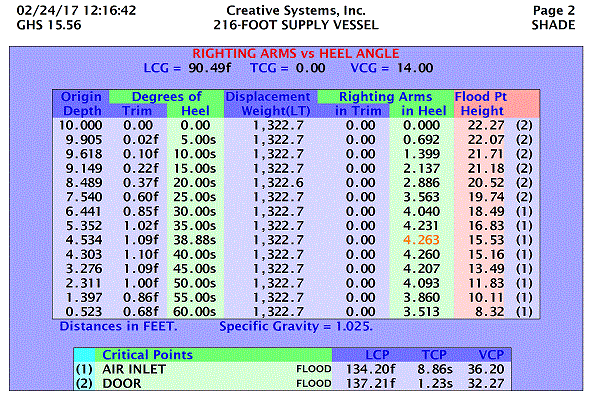
If you like colors and want to make a statement, the /SHADE parameter can go above 1.0 to get more intense colors.
PRINT shady.pf /SHADE:3 /BOLD /FONT:"Lucida Sans"/preview |
|
|
If your boss or client has trouble understanding the meaning of such a statement,
you can go back to your desk and render the same report file with less flair.
It should be emphasized that if REPORT shady.pf /BOX:COLOR was used, these options are available regardless of when the report file was created: we are exploring options that are available when printing or previewing a report after it has been generated. GHS Report (.PF) files are viewable as text for the most part (although they may have embedded graphics too), so you might wonder by what means the colors are represented. If you compare a report file generated with /BOX to one from the same run file only it was initiated with /BOX:COLOR, they look identical as text files. So why do they look different when printed?—why can't you get anything but black-and-white in the fixed-space typeface from one while you have all those choices of fonts and colors and shades from the other? It's a bit of magic. |
|
Questions, comments, or requests?
Contact Creative Systems, Inc. USA phone: 360-385-6212 Fax: 360-385-6213 Office hours: 7:00 am - 4:00 pm Pacific Time, Monday - Friday Mailing address: PO Box 1910 Port Townsend, WA 98368 USA Click here for an index to this and previous COWs |